
Accessible information is a key component of digital inclusion. When documents are clearly structured, easy to read, and technically accessible, they can be used by more people, including those who rely on assistive technologies such as screen readers. For organizations that regularly publish information, accessibility is therefore not just a technical requirement, but an important part of reliable communication.
Pro Inklusion e. V. in Northeim demonstrates what this can look like in everyday work. The organization advocates for inclusion, participation, and equal opportunities for people with disabilities or chronic illnesses in the Northeim district. In terms of day-to-day work, this means that information must be factually accurate, clearly written, and made available in a digitally accessible format. To meet this requirement, Pro Inklusion e. V. has equipped its team with CIB pdf brewer Business.

Creating Accessible Documents in Your Daily Work
Project documents, forms, invoices, newsletters, or event programs: Today, a great deal of content is shared as PDFs, sent via email, published on websites, or archived internally.
To ensure that these documents are accessible, they should be structured appropriately from the outset.
These include, among other things:
- A clear document structure
- Headings formatted correctly
- Informative alternative text for images
- Tables structured to be accessible
- Appropriate metadata
- Adequate color contrast
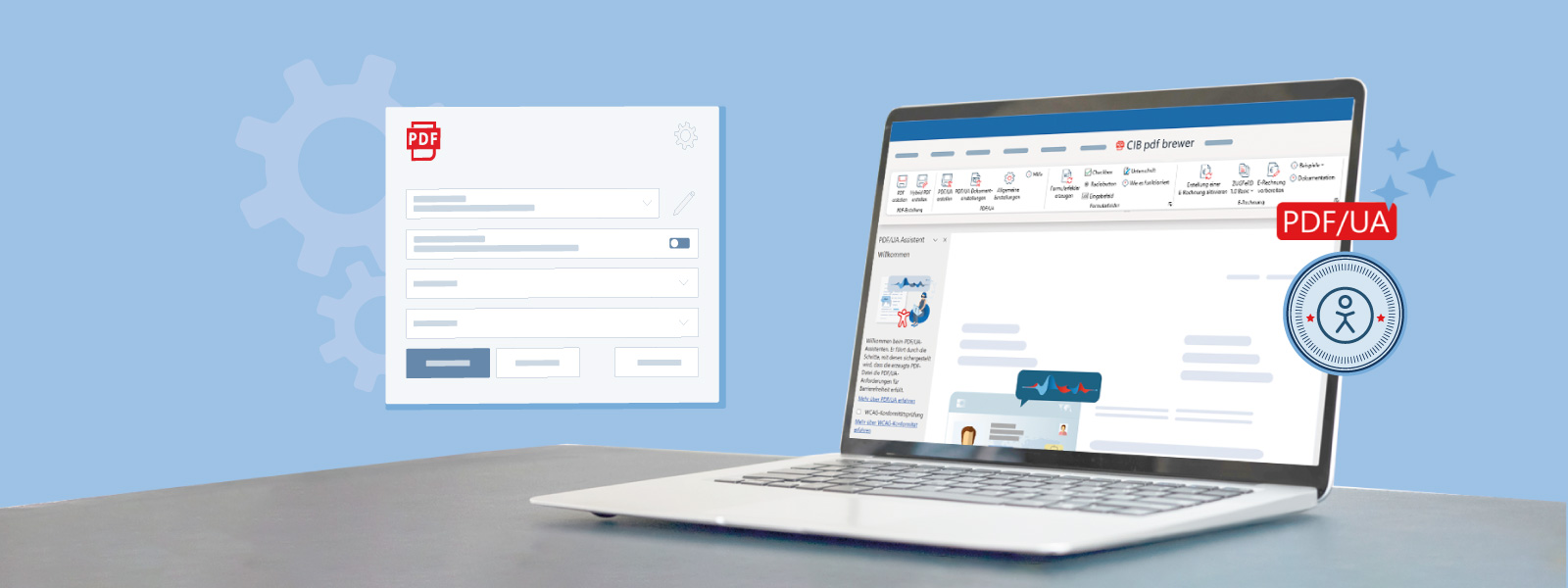
With the CIB PDF Brewer, you can check your Word documents for accessibility issues in the PDF output and if necessary, correct or supplement them.
PDF/UA Wizard: Create Accessible PDFs Directly from Microsoft Word
The built-in wizard in CIB pdf brewer checks relevant document elements, highlights necessary adjustments, guides users step by step through key requirements, and helps them prepare Word documents so that they can be converted into more accessible PDFs.
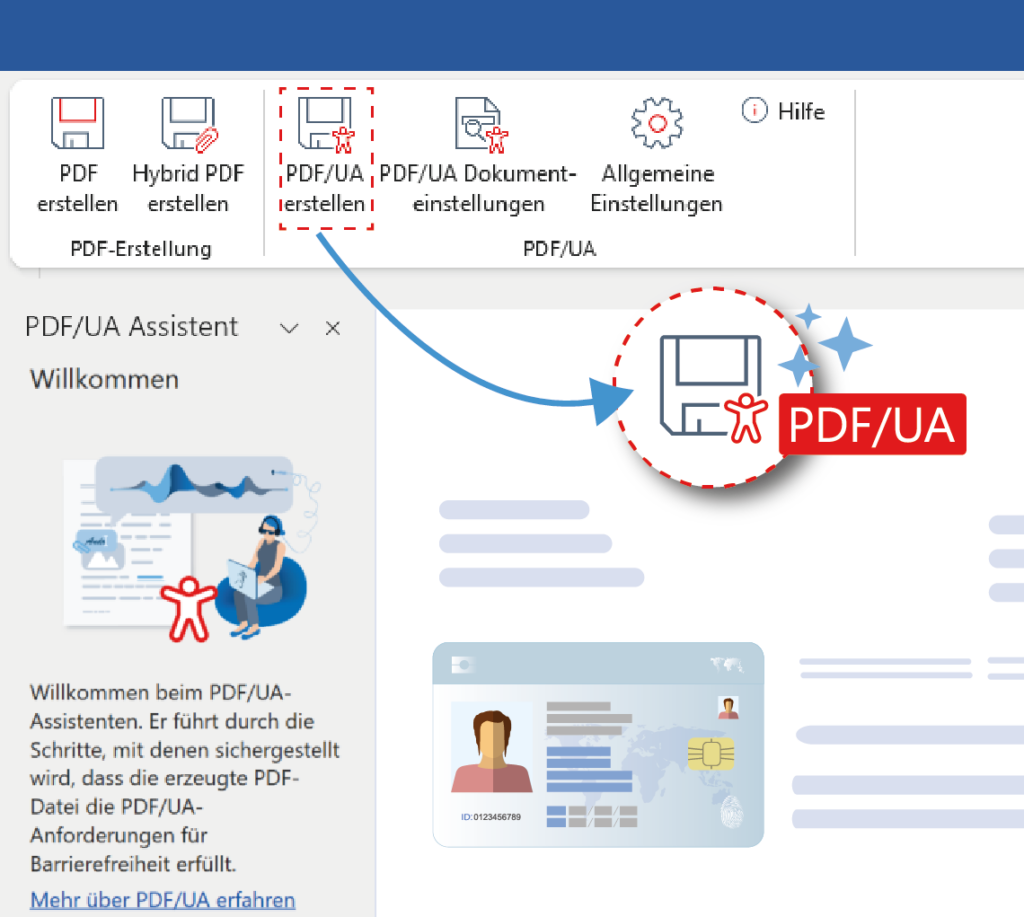
Another feature of the wizard is the verification of selected WCAG-related criteria. Among other things, it analyzes color contrasts and flags problematic combinations so that content can be made more readable and accessible before publication.
Here's what the PDF/UA Wizard offers:
- Support for Creating PDF/UA Documents from Microsoft Word
- Interactive guidance through the PDF/UA Wizard
- Review of heading structures and style sheets used
- Guidelines for Alternative Text for Images and Graphics
- Support for accessible table formatting
- Checking Color Contrast Between Text and Background
- Review of Relevant Document Metadata
- Notes on sections that must be manually adjusted before the PDF is generated
In this way, PDF creation becomes a guided workflow that supports users directly within their work process. Sources of error can be identified earlier, corrections can be made in a more traceable manner, and documents can be created consistently.
CIB pdf brewer Business for Consistent Document Standards
PDF/UA generation in CIB pdf brewer Business does not include watermarks and is therefore suitable for professional use. Organizations can also standardize their document creation processes. This is particularly important when multiple people regularly work with the same templates, publish documents, or need to meet consistent quality requirements.
For IT managers, CIB PDF Brewer Business also offers practical benefits: This PDF solution can be integrated into existing work environments; settings can be configured centrally; profiles can be set up for specific use cases; and functions can be selectively enabled or restricted.
This provides organizations with a uniform foundation for quality, accessibility, and efficient processes.
Try CIB pdf brewer for free
Download the CIB PDF Brewer for free and try out the PDF/UA Wizard, even in the basic version. The output, which includes a “Demo” watermark, does not pose a barrier for screen readers.
For professional use, we recommend that you purchase a license for the CIB pdf brewer Business.